Step 1: Go to Flask, https://prod-turning-rest-api.herokuapp.com/admin/
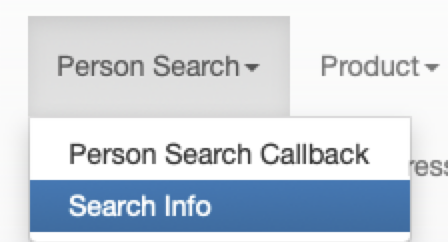
Step 2: Click on PERSON SEARCH
Step 3: Click on SEARCH INFO
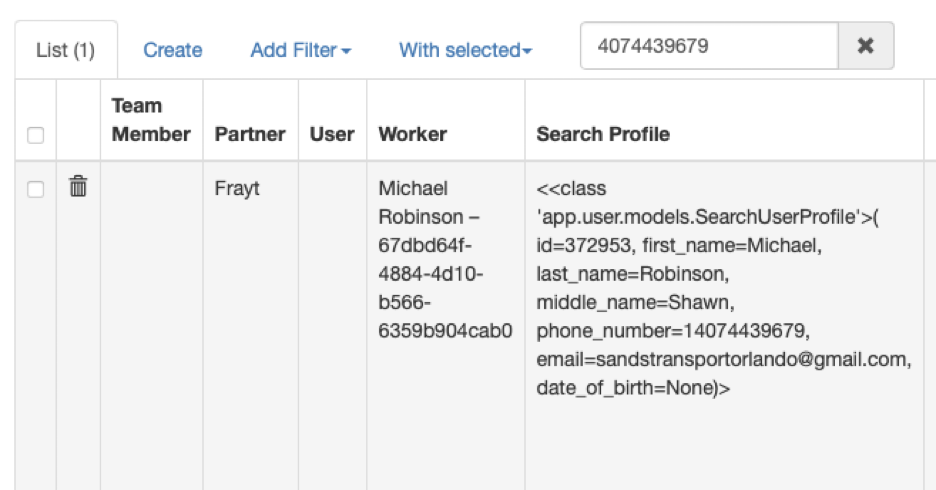
Step 4: Insert the telephone number without spaces or hyphens in the search field.

Step 5: Review the results. We can see the applicant's name and partner.
Was this article helpful?
That’s Great!
Thank you for your feedback
Sorry! We couldn't be helpful
Thank you for your feedback
Feedback sent
We appreciate your effort and will try to fix the article