Scenario 1:
Acceptable Criminal Charges + Acceptable MVR
- Go to the “Actions” tab and Approve. Set the Freshdesk ticket as “Resolved.”
Scenario 2:
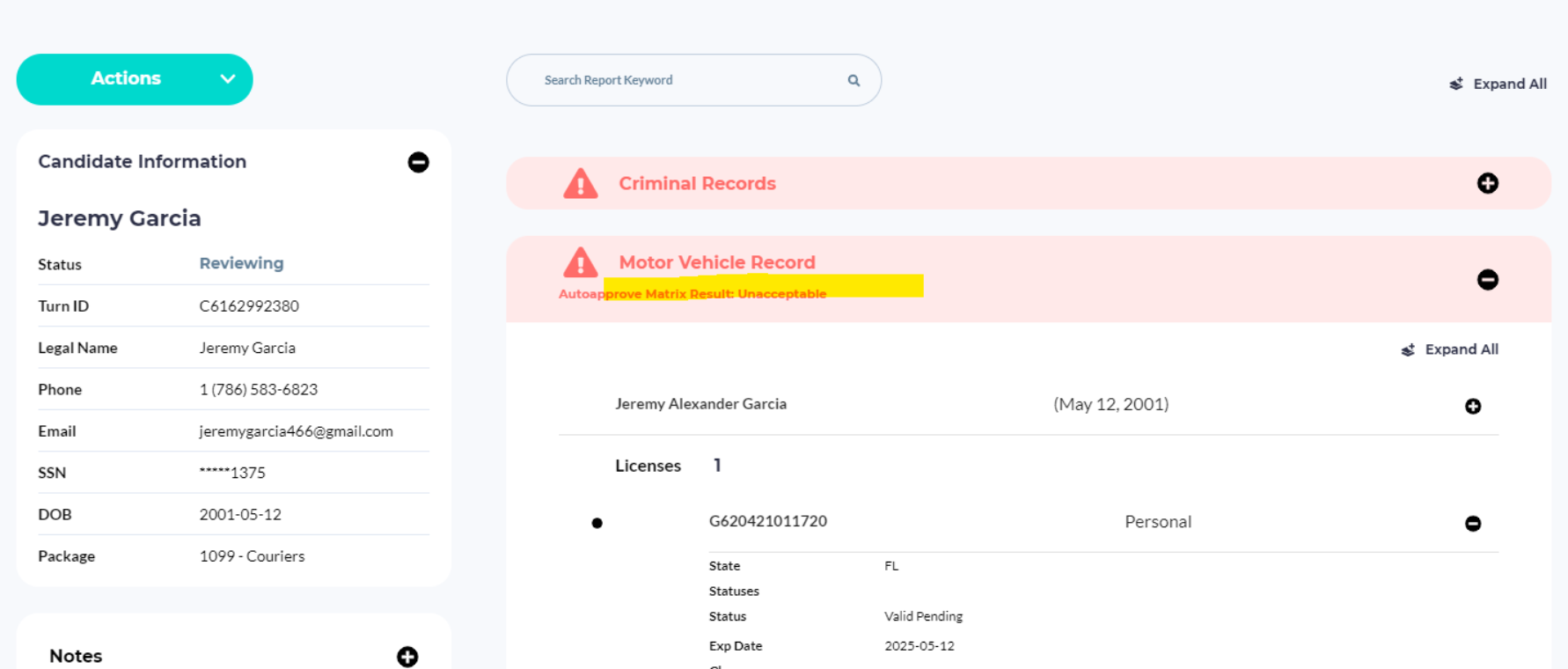
Acceptable Criminal Charges + Unacceptable MVR
We will not send anyone to Pre-Adverse Action based solely on their MVR.
Review the MVR to confirm that is truly unacceptable based on the Adjudication Matrix.
If after manual review, the MVR is still unacceptable, set the profile status to Pending.
If after manual review the MVR is acceptable, Approve.
Scenario 3:
Disqualifying Criminal Charges, after review based on the Adjudication Matrix.
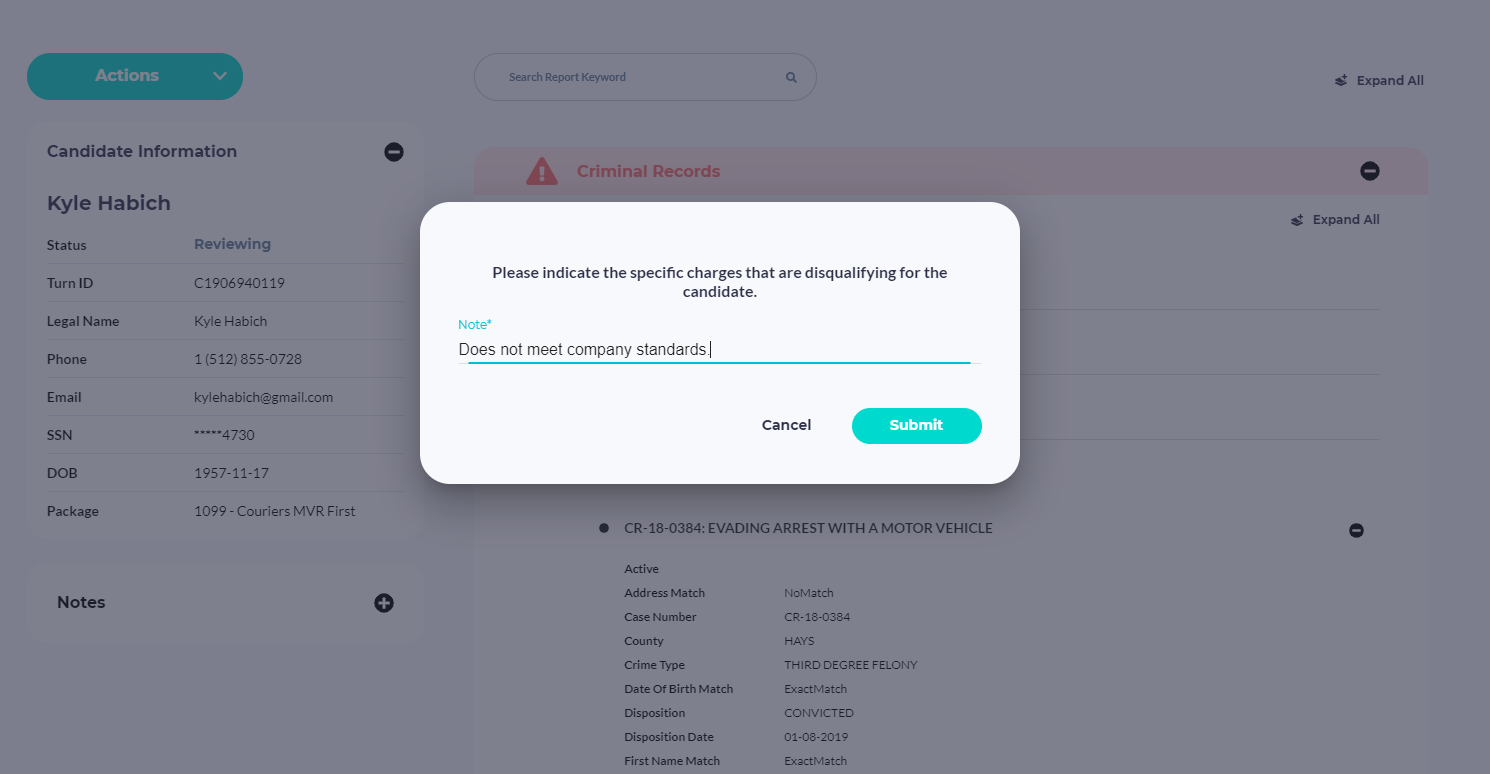
- Go to the “Actions” tab and choose “Pre-Adverse Action.” (Never use the “Withdraw” button for these tickets.) Then update the Freshdesk (FD) ticket to “Resolved.”
When selecting Pre-Adverse Action, a popup will appear requiring you to type a reason. For all, you can write, “Does not meet company standards.”
Was this article helpful?
That’s Great!
Thank you for your feedback
Sorry! We couldn't be helpful
Thank you for your feedback
Feedback sent
We appreciate your effort and will try to fix the article