Go to Flask
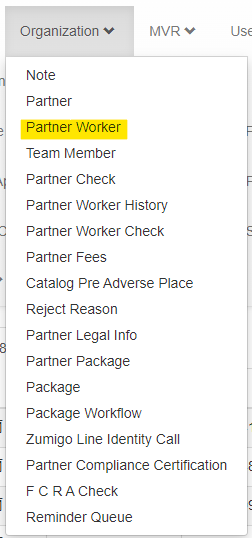
Click on “Organization”
Click on “Partner Worker”:
Click on “Add filter”

Search by Turn ID and click on “Apply”:

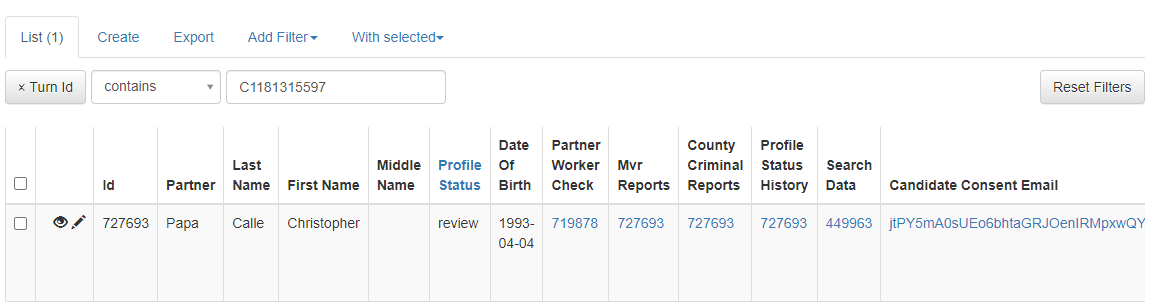
To edit, click on:

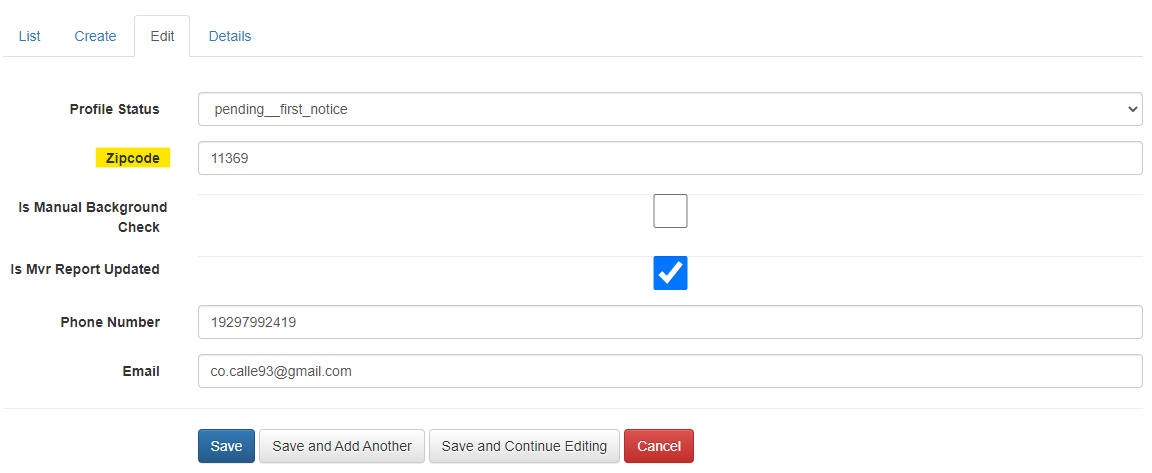
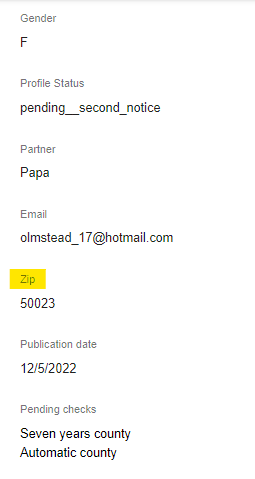
Enter the current applicant’s zip code in the field “zip code”.
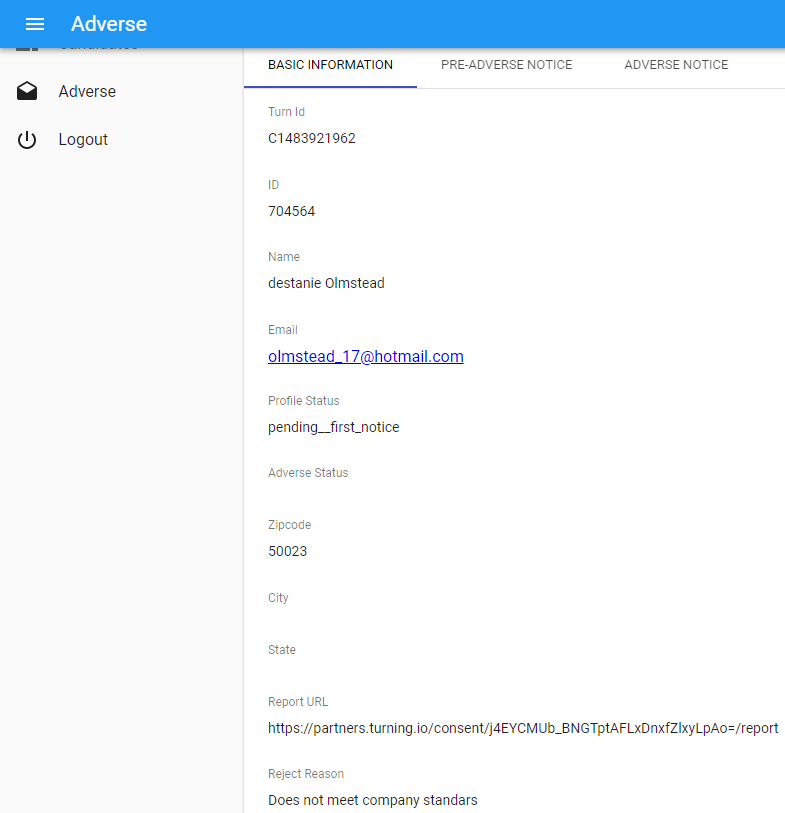
You will find applicant’s zip code in Turn Admin, make sure the zip code is correct:
Finally, click on “save”.
IF PROCESS 1 DOESN’T WORK, LET’S CONTINUE WITH PROCESS 2.
Was this article helpful?
That’s Great!
Thank you for your feedback
Sorry! We couldn't be helpful
Thank you for your feedback
Feedback sent
We appreciate your effort and will try to fix the article