Go to Flask
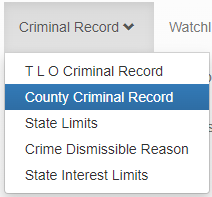
Click on “Criminal Record”
Click on “County Criminal Record” (for national charges click on T L O Criminal Record)
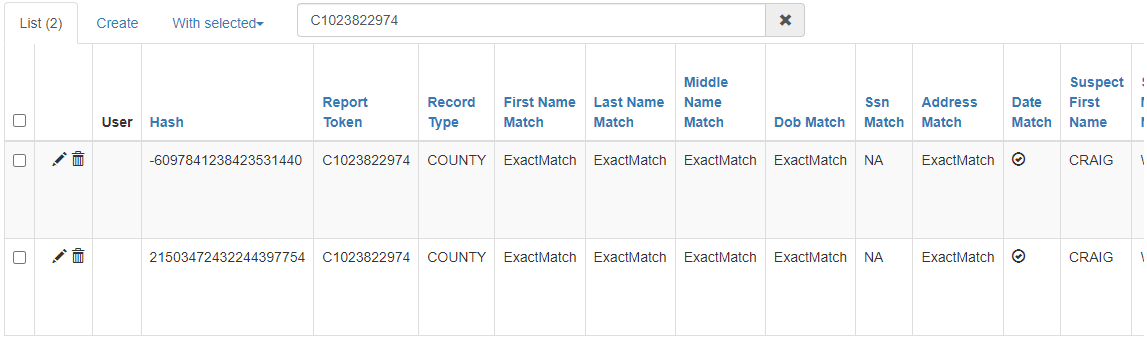
Copy the turn id and paste it into the search bar and press “enter”

Select the charge that you need to modify and then click on “edit record”
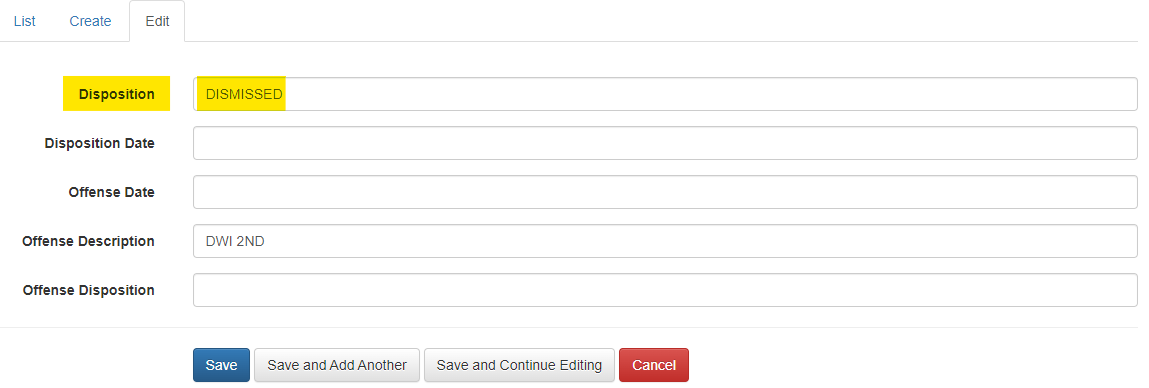
Type the new disposition and click on “save”
Finally make sure the disposition has changed in the criminal records section.
Was this article helpful?
That’s Great!
Thank you for your feedback
Sorry! We couldn't be helpful
Thank you for your feedback
Feedback sent
We appreciate your effort and will try to fix the article